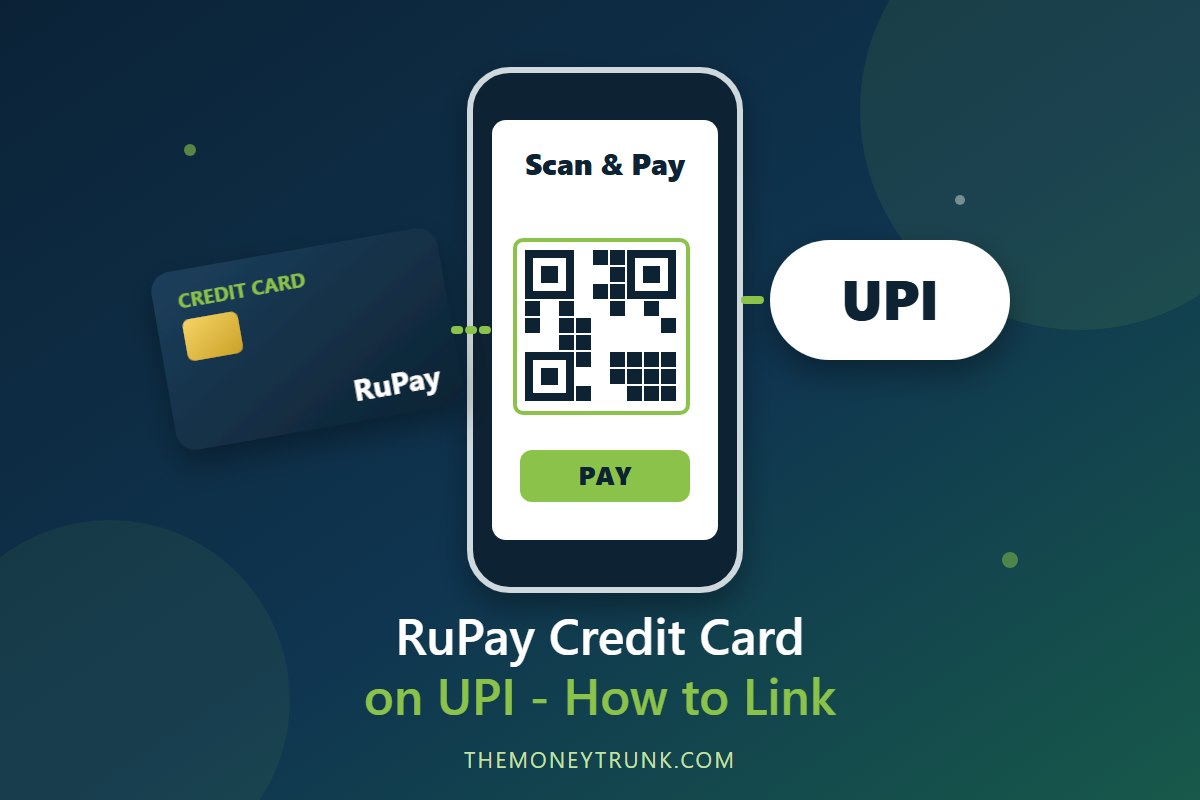
How to Link Your RuPay Credit Card to UPI
UPI is the easiest way to pay in India, but until recently it worked only with bank accounts. Now, if you have a RuPay credit card, you can link it to a UPI app and pay at shops and online by scanning a QR code - and earn your card's rewards while you do it.
Which cards can be linked?
Only RuPay credit cards can be linked to UPI. Visa and Mastercard credit cards cannot be added this way. Many banks now offer RuPay variants of their credit cards - check the card network printed on your card or ask your bank.
How to link your RuPay credit card (general steps)
- Open a UPI app that supports RuPay credit cards (many popular UPI apps and the BHIM app do).
- Go to the option to add a bank account or payment method and choose Credit Card or RuPay Credit Card.
- Select your card's issuing bank. Your registered mobile number must be the one linked with the card.
- Enter the last 6 digits and expiry date of your card when asked.
- Verify with the OTP sent to your registered mobile number and set a UPI PIN for the card.
The exact screens differ from app to app, but the flow is similar everywhere.
Where can you use it?
- Merchant payments: scan the QR code at shops, restaurants, fuel stations and online stores that accept UPI.
- Not for sending money to people: person-to-person transfers to friends or family, or to your own bank account, are generally not allowed from a credit card on UPI.
- Some merchants may not accept credit card payments on UPI. In that case the app will show the payment as not allowed.
Benefits
- Pay at small shops that accept UPI but do not have a card machine.
- Use your card's interest-free period - you pay the bank later, on your bill due date.
- Earn reward points or cashback as per your card's terms (some cards give lower or no rewards on certain UPI spends).
- No need to carry the physical card.
Keep these points in mind
- It is still credit. Small QR payments add up fast. Track your spends and pay the full bill on time.
- Never share your UPI PIN or OTP with anyone. No bank or app will ask for it on a call.
- To receive money you never need to enter your UPI PIN. If someone asks you to "enter PIN to receive", it is a fraud.
- Check your card's terms for any charges or reward exclusions on UPI payments.
Looking for a RuPay credit card?
Several cards on TheMoneyTrunk come in RuPay variants that work with UPI, including options from BOBCARD, YES BANK (POP), Uni GoldX and CheQ. Explore Credit Cards on our site to compare them and apply on the bank's official page.
Note: UPI rules are set by NPCI and banks, and features may change. Card availability and terms are decided by the issuing bank. This article is for general information only.



 Home
 EMI
 Cards
 Loan
 Insurance
 Support